In today’s digital-first world, businesses are increasingly judged by the quality of their online products. Terms like user experience (UX) and user interface (UI) are often used interchangeably, but they refer to distinct yet complementary aspects of design. Confusing UX with UI can lead to poor usability, inconsistent branding, and lost opportunities for engagement.
This comprehensive guide explores the differences between UX and UI, their respective responsibilities, best practices, emerging trends, and how they integrate to create exceptional digital experiences. It also connects both disciplines to user experience basics to help teams build measurable, user-centered products.
What is User Experience (UX)?
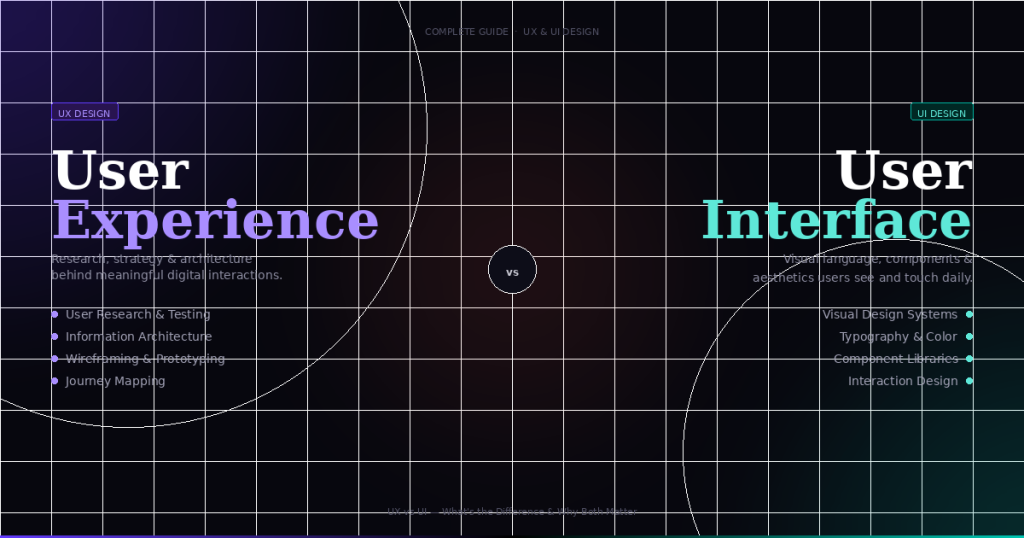
User experience refers to the holistic perception a user has when interacting with a product or service. It is more than aesthetics—it includes usability, accessibility, task efficiency, and overall satisfaction. UX design focuses on understanding the user’s goals and pain points, ensuring the product meets both functional and emotional needs.
Key Elements of UX
-
Usability: Ensuring that users can navigate the product and complete tasks with minimal effort.
-
Accessibility: Designing for inclusivity, including users with disabilities.
-
Functionality: Guaranteeing the product works as intended across all devices and environments.
-
User Research: Understanding user behaviors, needs, and preferences through surveys, interviews, and analytics.
-
Information Architecture: Structuring content logically to allow users to find information quickly.
-
Prototyping and Testing: Iteratively validating design assumptions before development.
Goals of UX
-
Reduce user friction and confusion.
-
Increase efficiency in task completion.
-
Enhance emotional satisfaction and loyalty.
-
Ensure accessibility and inclusivity.
-
Support business objectives such as conversion, retention, and engagement.
In essence, UX is about the overall journey of the user and how seamless, efficient, and enjoyable that journey is.
What is User Interface (UI)?
While UX focuses on the experience, UI design is concerned with the visual and interactive aspects of a product. UI defines the look and feel, ensuring that users can interact intuitively with the product through visual cues, layouts, and interactive elements.
Key Elements of UI
-
Visual Design: Colors, typography, images, and branding.
-
Interaction Design: Buttons, sliders, toggles, and forms that enable user action.
-
Responsiveness: Adapting design across devices and screen sizes.
-
Consistency: Standardizing patterns and styles for predictability.
-
Feedback: Providing real-time cues such as hover effects, loading animations, and alerts.
Goals of UI
-
Make interfaces visually appealing.
-
Enable intuitive interactions with minimal learning curve.
-
Ensure consistency across screens and devices.
-
Complement functionality with clarity and aesthetics.
UI focuses on how the product communicates visually and interactively, shaping user perceptions and engagement.
UX vs UI: Core Differences
| Aspect | UX | UI |
|---|---|---|
| Definition | Overall experience including usability, accessibility, and satisfaction | Visual and interactive design of screens and elements |
| Focus | Functionality, task efficiency, and user satisfaction | Visual appeal, layout, interaction, and aesthetics |
| Scope | Broad: entire user journey | Narrow: interface touchpoints |
| Process | User research, wireframing, prototyping, testing | Visual design, interactive components, high-fidelity mockups |
| Tools | Axure, Figma (for wireframes), Hotjar, Google Analytics | Figma, Sketch, Adobe XD, InVision |
| Metrics | Task success rate, time on task, retention, CSAT, NPS | Visual consistency, interaction efficiency, accessibility, micro-interactions |
| Goal | Solve user problems and improve usability | Make interactions visually appealing and intuitive |
Key takeaway: UX defines how it works, UI defines how it looks. Both must work in harmony to deliver exceptional digital products.
How UX and UI Work Together
UX and UI are interdependent. A product may have a stunning UI but fail due to poor UX, or it may have excellent usability but appear unappealing. The best products integrate both.
Relationship
-
UX drives UI: Research, user flows, and wireframes inform visual and interactive design.
-
UI enhances UX: Visual clarity, responsive layouts, and intuitive interactions reduce cognitive load.
-
Iterative collaboration: UX and UI designers collaborate through prototypes, testing, and iterative refinement.
Example
In a mobile banking app:
-
UX ensures users can check balances, transfer funds, and pay bills efficiently.
-
UI ensures buttons, icons, and typography are visually clear and interactive elements are intuitive.
Without UX, the app may confuse users despite its visual design. Without UI, it may function but feel untrustworthy or difficult to navigate.
Common Misconceptions
-
UX is just UI – UX is more about functionality and satisfaction than aesthetics.
-
UI is only graphics – UI also includes interactive behaviors, feedback, and responsiveness.
-
One can exist without the other – While possible, integration ensures products are both usable and appealing.
Best Practices for UX Design
-
Conduct extensive user research before design decisions.
-
Map user journeys and task flows.
-
Test prototypes early and often.
-
Optimize for accessibility and inclusivity.
-
Reduce cognitive load and friction across key workflows.
Best Practices for UI Design
-
Maintain visual and interaction consistency.
-
Use intuitive and familiar patterns.
-
Design responsive interfaces for multiple devices.
-
Apply clear visual hierarchy and typography.
-
Include micro-interactions for feedback and delight.
Emerging Trends in UX and UI
-
Voice and Gesture Interfaces – UX and UI now include conversational flows and gesture-driven interactions.
-
AI-Powered Personalization – UX strategies predict user needs, while UI dynamically adapts layouts.
-
Micro-Interactions – Subtle animations enhance usability without distraction.
-
Dark Mode & Theming – UI design choices affect readability, comfort, and accessibility.
-
Cross-Platform Design Systems – Ensures consistency and scalability for multi-device products.
Connecting UX and UI to User Experience Basics
-
Task Success Rate: UX ensures users can complete goals; UI makes interactions clear.
-
Time on Task: UX optimizes workflows; UI improves visual clarity to reduce cognitive load.
-
Error Rate: UX anticipates pain points; UI provides feedback and guidance.
-
Retention & Satisfaction: UX measures engagement; UI strengthens emotional appeal.
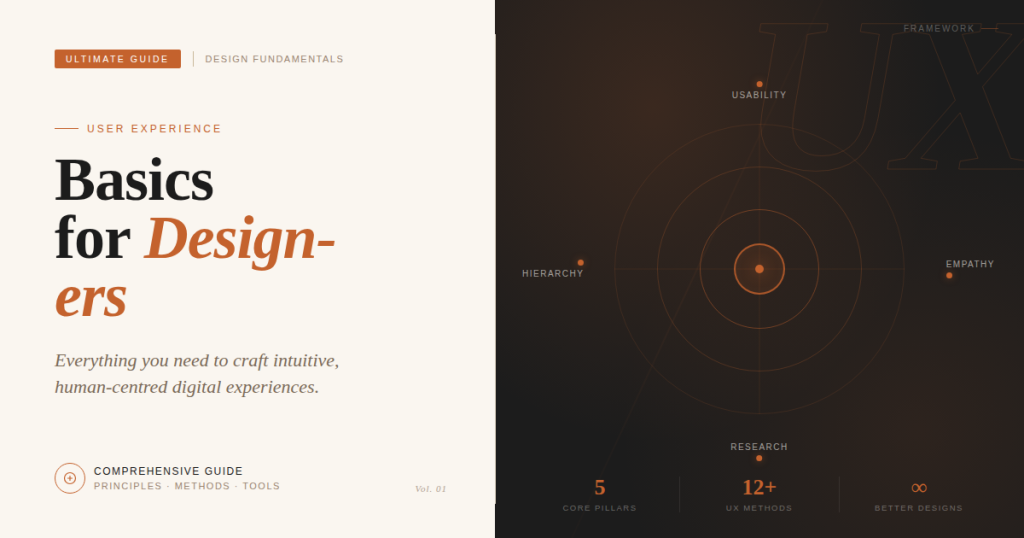
Strong user experience basics ensure that design decisions, whether functional or visual, always prioritize user needs and usability.
Measuring UX and UI Effectiveness
UX Metrics
-
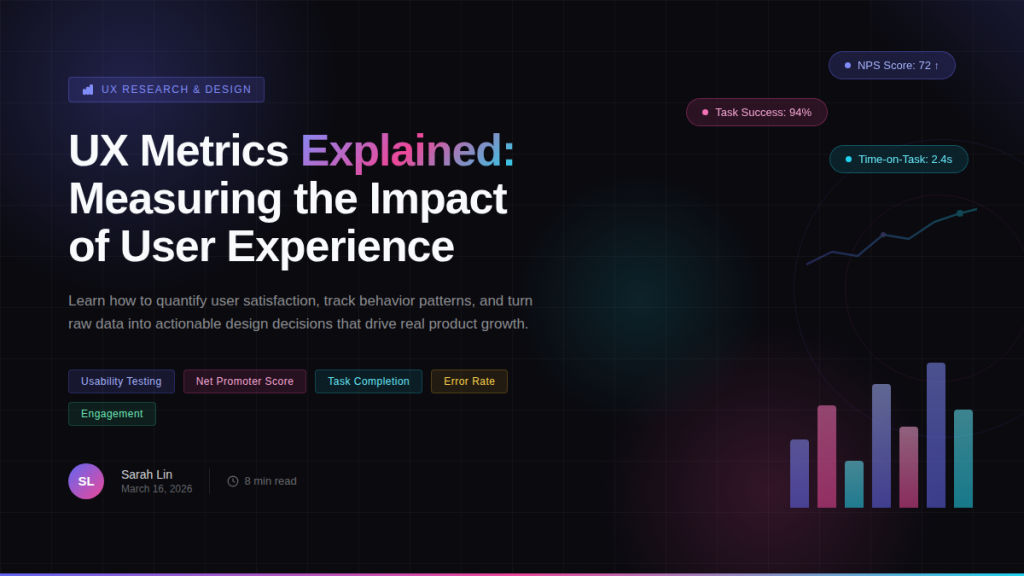
Time on task
-
Error frequency
-
Net Promoter Score (NPS)
-
Customer Satisfaction (CSAT)
UI Metrics
-
Visual consistency
-
Click and tap efficiency
-
Accessibility compliance
-
Aesthetic appeal surveys
-
Micro-interaction effectiveness
Combined measurement enables teams to make data-driven improvements across all product layers.
Common Challenges in UX and UI
-
Balancing usability and aesthetics
-
Designing for multiple devices and screen sizes
-
Managing complex features while maintaining clarity
-
Ensuring accessibility for all users
-
Keeping up with emerging technologies
-
Integrating research insights into visual design
-
Measuring success effectively and iteratively
Addressing these challenges ensures that UX and UI contribute to meaningful, user-centered digital experiences.
Conclusion
While often confused, UX and UI serve distinct yet complementary roles in digital product design. UX defines the structure, usability, and satisfaction of a product, while UI defines its look, feel, and interactivity. Together, they form the backbone of successful digital experiences.
Investing in both UX and UI, grounded in user experience basics, allows businesses to:
-
Increase engagement and retention
-
Reduce errors and frustration
-
Improve conversion rates
-
Build trust and brand loyalty
By understanding their differences, applying best practices, and measuring impact, teams can deliver products that are both functional and delightful.
FAQ: User Experience vs User Interface
Q1: Can UX exist without UI?
Yes. A product can have strong usability without polished visuals, but user perception may suffer.
Q2: Can UI exist without UX?
Yes. A product can look attractive but fail in usability, causing frustration and abandonment.
Q3: Which comes first, UX or UI?
UX should guide UI. Research, wireframes, and workflows inform visual and interactive design decisions.
Q4: What skills does a UX designer need?
User research, prototyping, usability testing, information architecture, and workflow optimization.
Q5: What skills does a UI designer need?
Visual design, typography, color theory, interaction design, responsive design, and micro-interactions.